Save links now,
revisit them later.
Links from X, WhatsApp and Safari, kept in one place — and Home tells you when it's time to look again.

Four things you'll do here
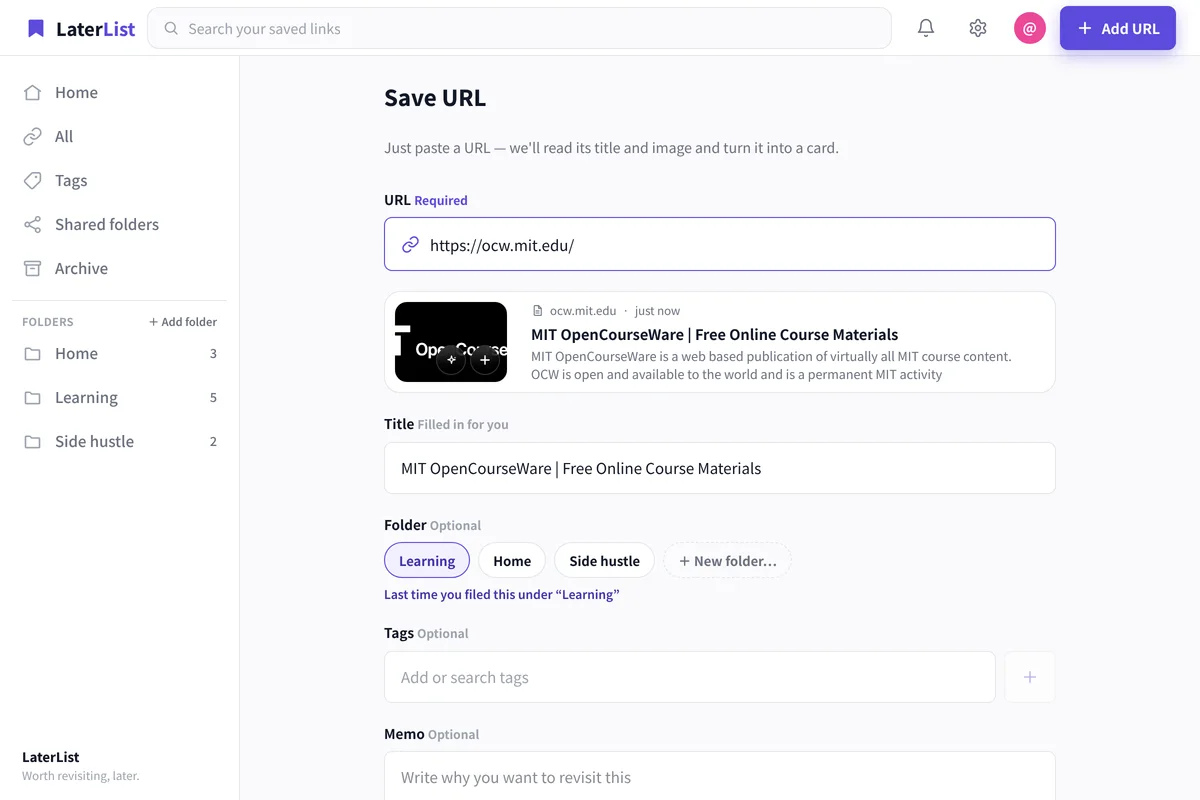
Paste a link, it's saved
From the share sheet, or by pasting a URL. The title and thumbnail are filled in for you.
Home brings them back
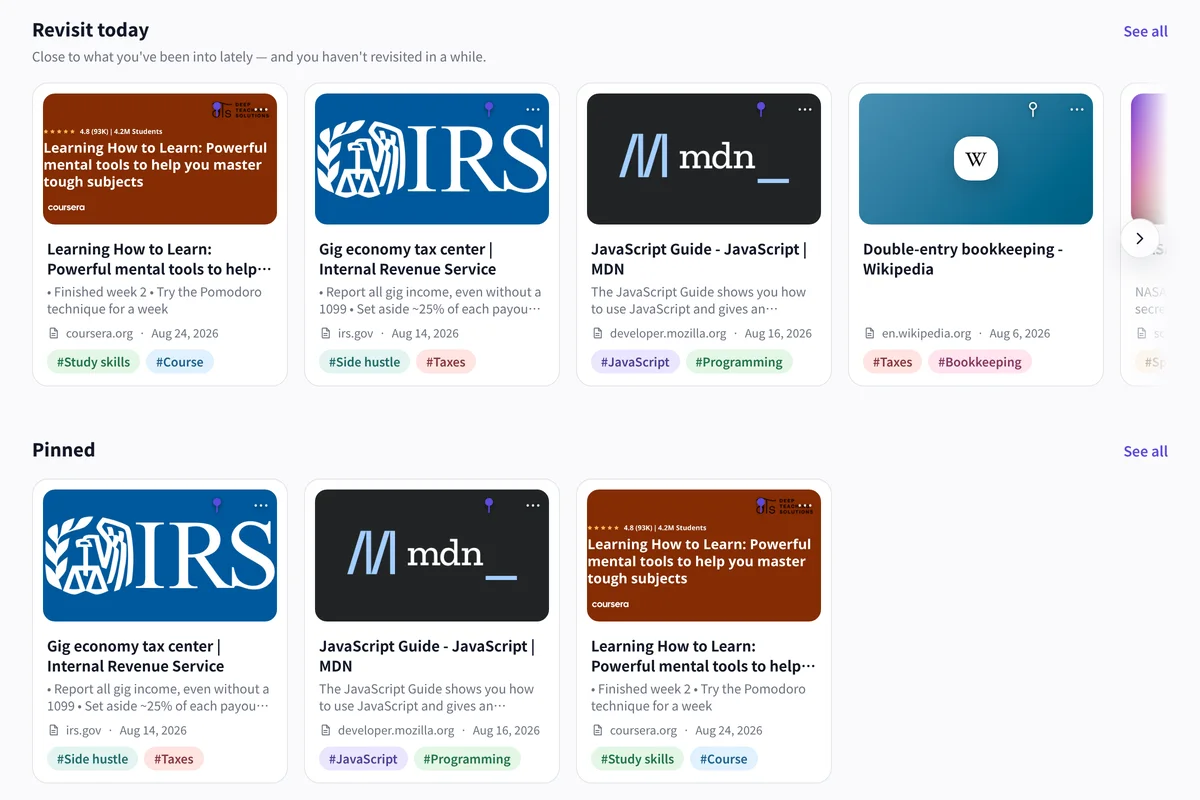
Links you haven't opened in a while show up on Home as today's picks, so nothing you saved gets buried.
Sort with folders and tags
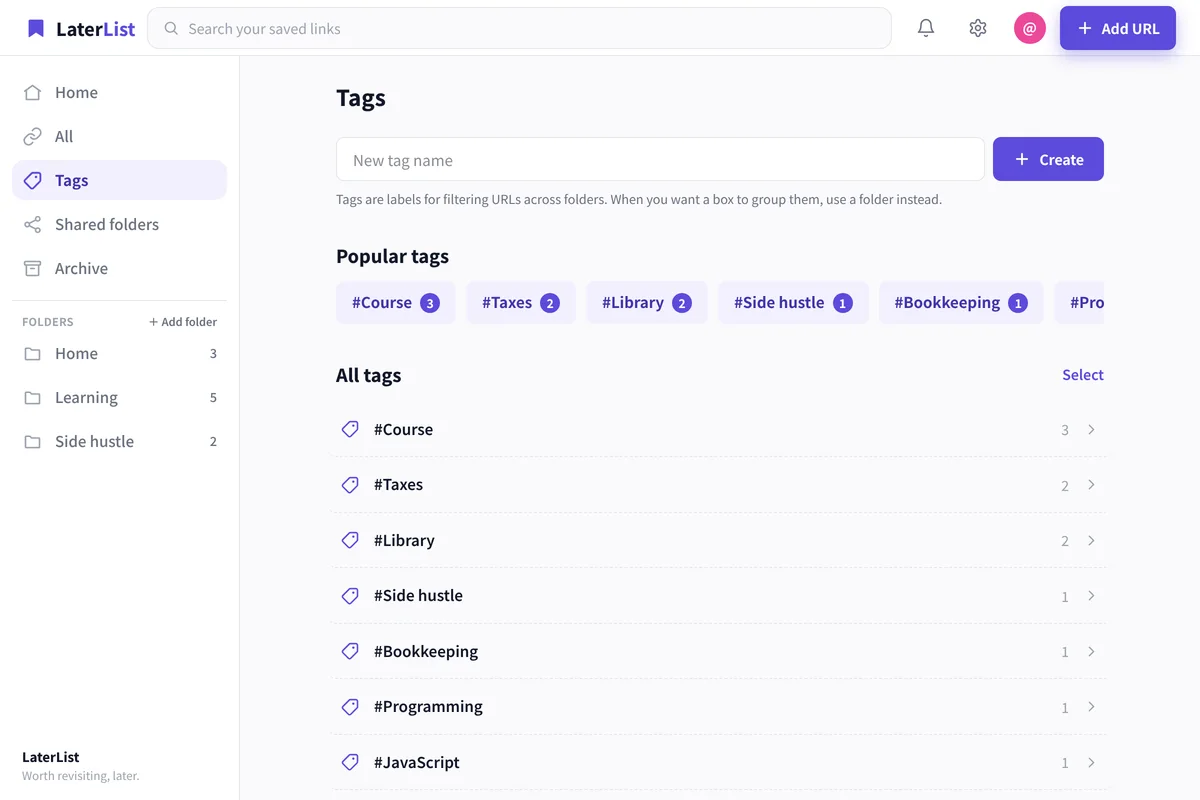
Split by folder — side hustle, learning, home — and add tags or a note.
Any folder can be shared as a link; the viewer doesn't need an account.
Search titles, tags and notes at once
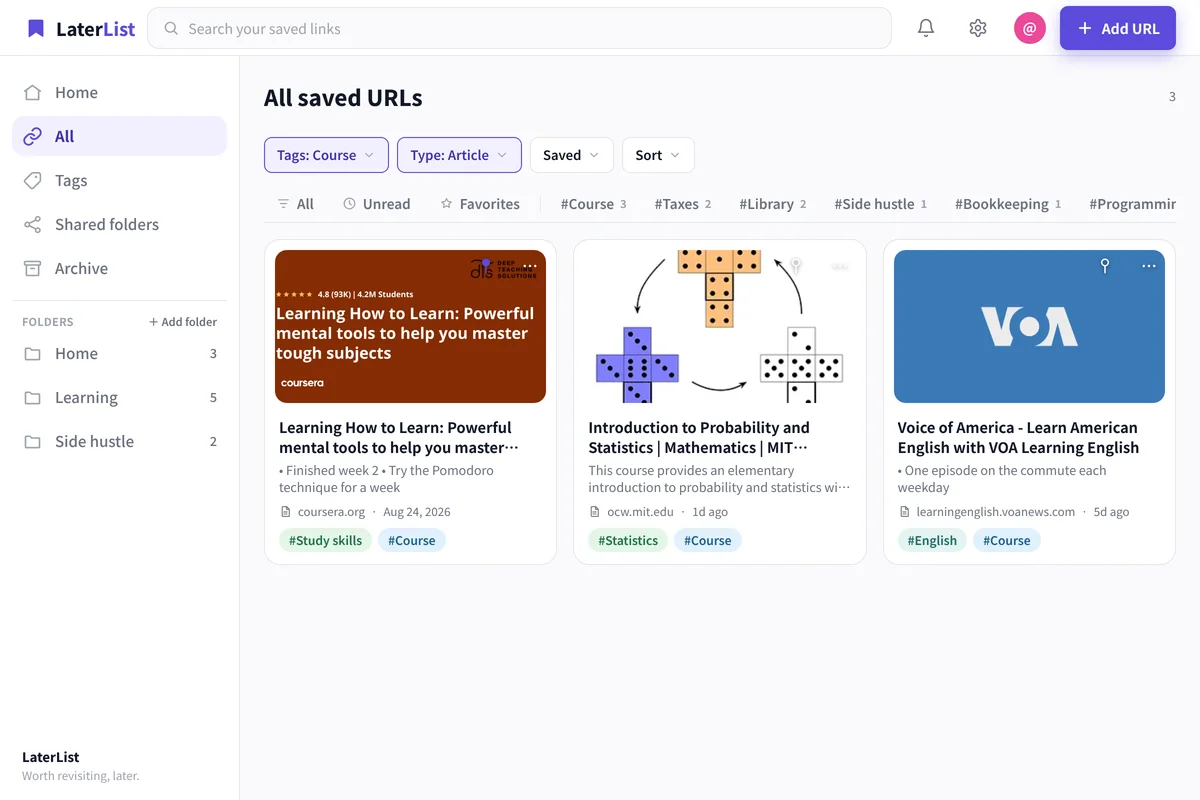
One search covers titles, tags, notes and descriptions. A single word you remember is enough.
- Same data on the iOS app and the web
- Free plan: up to 50 links, no time limit
- Title and thumbnail fetched automatically
Simple pricing
Choose based on how many URLs you save. Change or cancel anytime.
The free plan holds up to 50 links — no time limit, no credit card required.
Prices exclude tax (based on JPY; currency and amount may vary by region). The final total including tax is shown at checkout. Purchases via the App Store or Google Play use the price and currency set in each store.
FAQ
What do I get on the free plan?
You can save up to 50 links, with no time limit. No credit card is required. Tags, notes and folders, cross-search, and rediscovery on Home are all included in the free plan.
Do I lose my saved links once I pass 50?
No. On the free plan, reaching 50 links only stops you from saving new ones — everything you have already saved stays exactly where it is. To keep saving, either clear out links you no longer need or upgrade your plan.
What happens to my data if I cancel? Can I export everything?
Nothing is deleted the moment you cancel. If you are over the free plan's 50-link limit, you get a 30-day grace period, and we email you 7 days before anything is removed. Tidy up during the grace period and nothing gets deleted. Once it expires, links over the limit are cleared oldest-first, and even then the data is retained for a while afterwards. A full export is a Pro feature: download everything as CSV (opens directly in Excel or Google Sheets) or JSON, including title, domain, description, notes, tags and the date you saved it. If you want a copy for yourself, download it while your Pro subscription is still active.
Can I bulk-import my bookmarks from Chrome or Pocket?
Yes. Go to Settings → Data → Import and pick a file: browser bookmarks (the HTML export from Chrome, Edge, Firefox or Safari), Pocket or Instapaper CSV, or X (Twitter) bookmark JSON. Folders and tags are recreated, and anything already in your list is skipped automatically. On the free plan the import fills up to the 50-link limit; the rest can be added after upgrading.
About the operator
LaterList is built and run by an independent developer.
Questions or requests? Reach us via the support page.
Start with the link you found today.
Free for your first 50 links. No credit card needed.