A bookmark manager that keeps your links findable
Save articles, videos, and social posts in one tap. Titles and thumbnails are fetched automatically, and folders, tags, and notes keep everything organized—so cross-search brings any link back when you need it. Use the same account on iPhone and the web.


Save in one tap
Save from the iOS share sheet or by pasting a URL. Titles, thumbnails, and descriptions are fetched automatically, so your list stays clean and scannable.
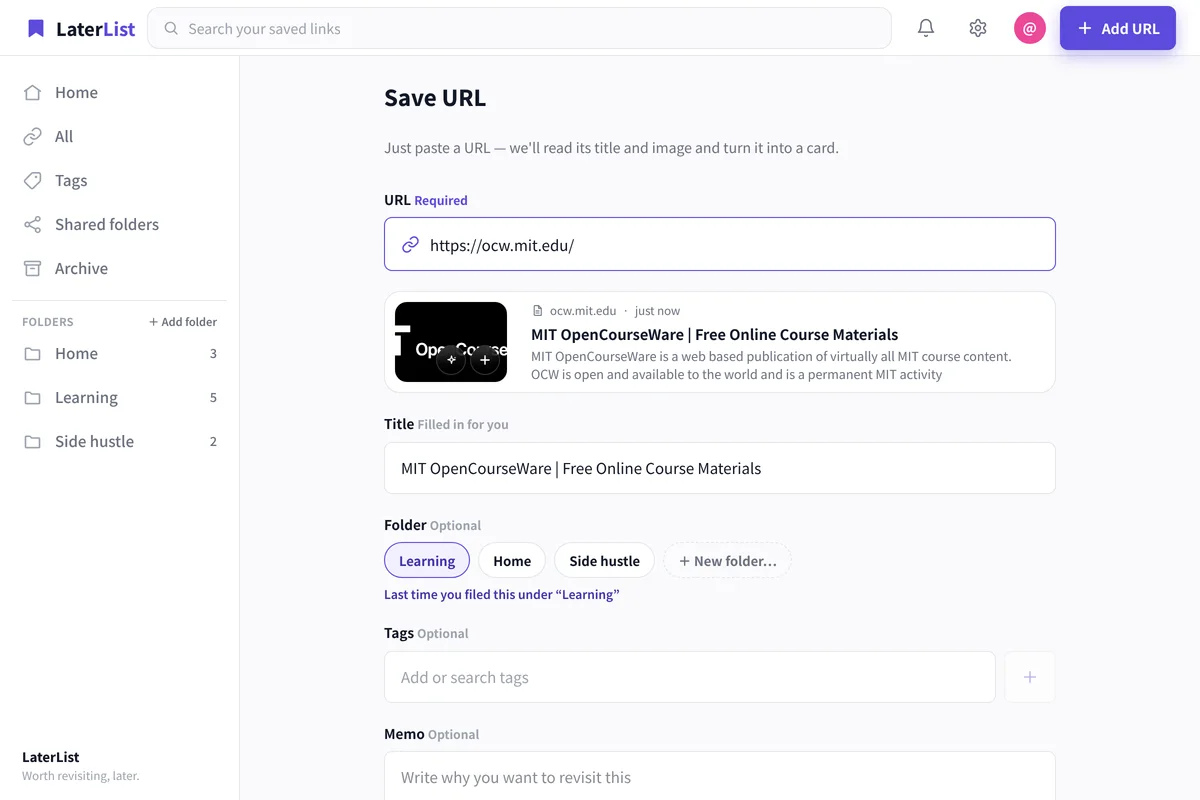
Organize with folders, tags, and notes
Group links into folders by topic and classify them across folders with tags. Add notes (Markdown) to remember why you saved each one.
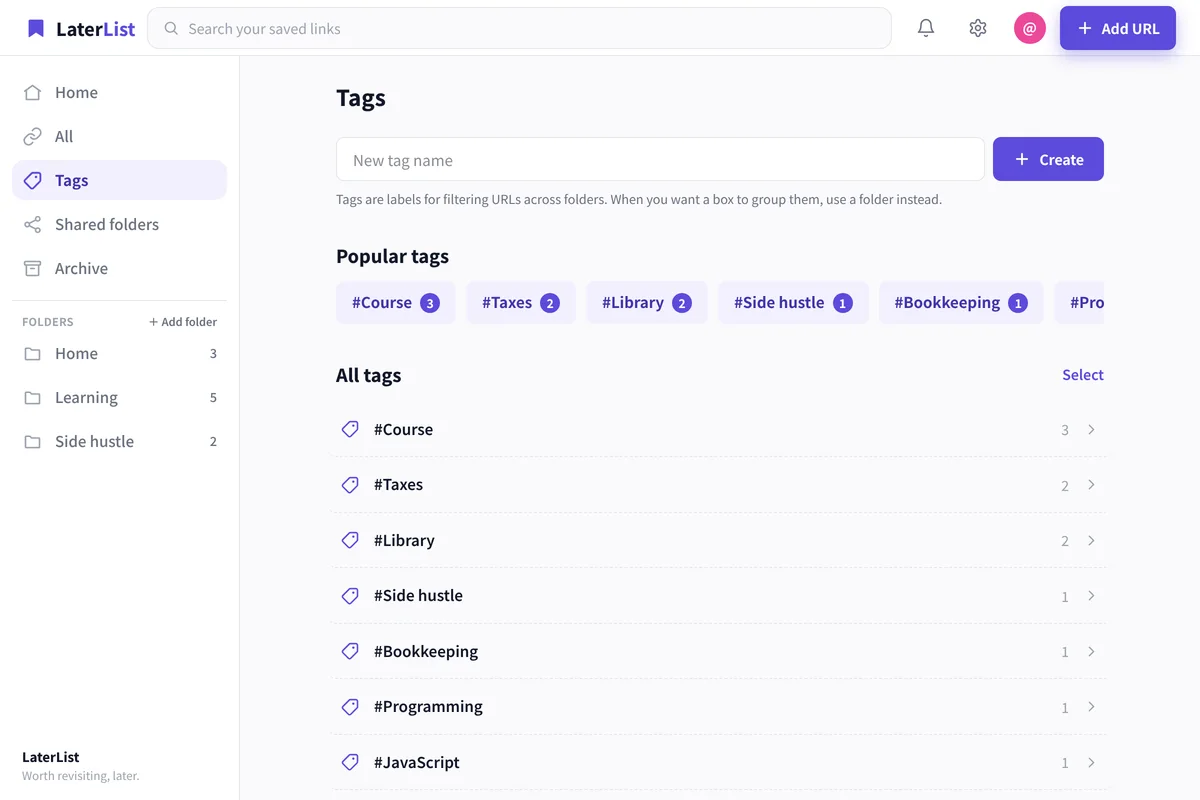
Find it with cross-search
Search titles, tags, notes, and descriptions all at once. No more “where did I save that?”
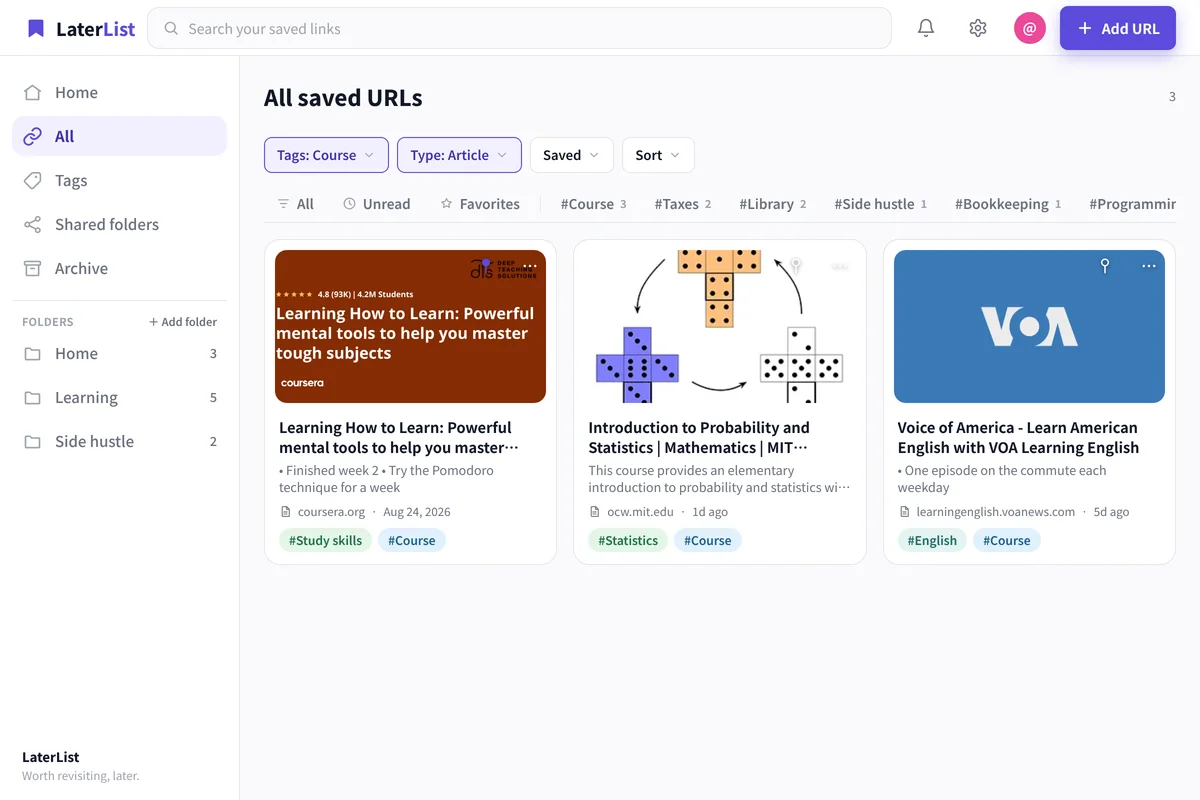
Nothing gets buried
Links you haven’t revisited resurface on Home, and your most-opened links stay in view—so “save and forget” stops happening.
- Same data on the iOS app and the web
- Free plan: up to 50 links, no time limit
- Title and thumbnail fetched automatically
FAQ
Is LaterList free?
Yes. The Free plan lets you save and organize up to 50 links. Lite (1,000 saves) and Pro (practically unlimited) are available when you need more.
Can I save from my phone?
On iOS, save in one tap from the share sheet. On the web, paste a URL to save it.
Does it sync between phone and computer?
Use the same account on the iPhone app and the web (laterlist.space); your saves stay in sync.
Can I organize bookmarks with folders and tags?
Group them into folders and classify across folders with tags. You can add a note to each link too.
Stop letting bookmarks pile up unused.
Start free—up to 50 saves.