A read-later app that gets you back to reading
Save any article or video in one tap. Titles and thumbnails are fetched into a clean card list, and links you haven’t opened in a while get a gentle nudge—so you actually get back to what you meant to read.


Save in one tap
Save from the share sheet or by pasting a URL. Stash articles, videos, and posts to read later, right when you spot them.
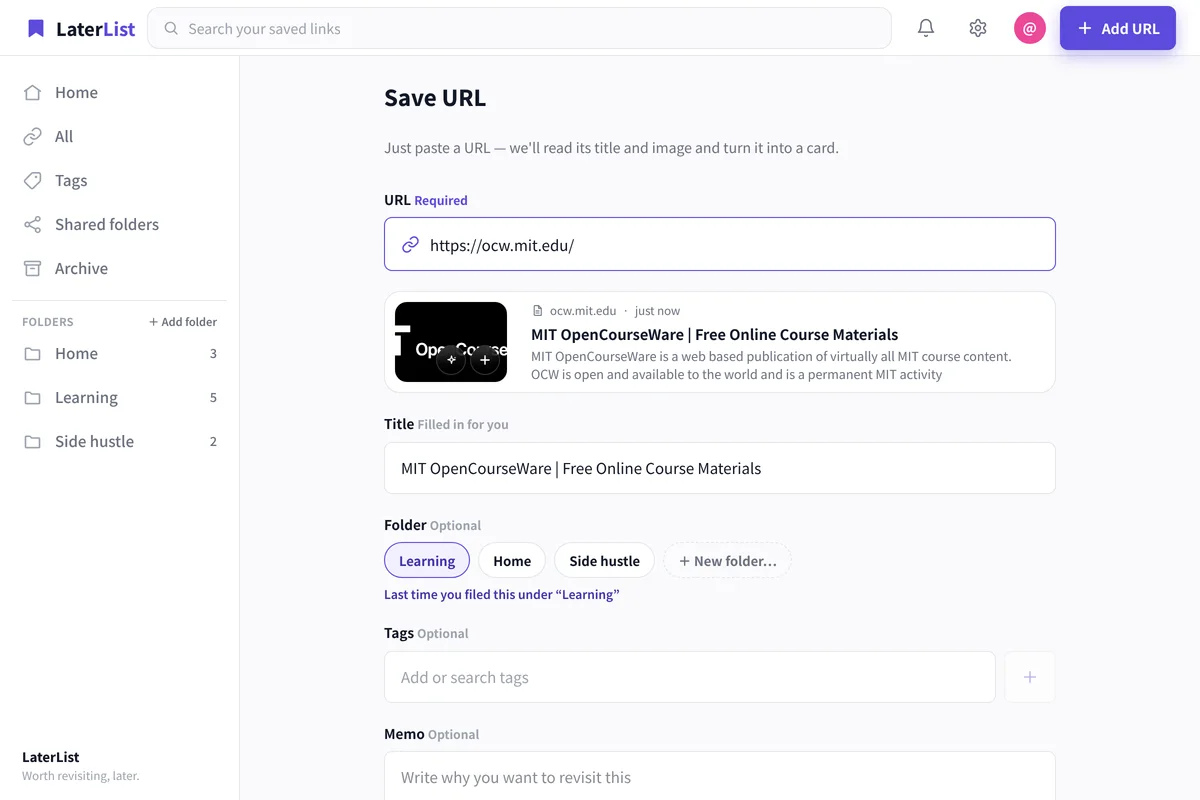
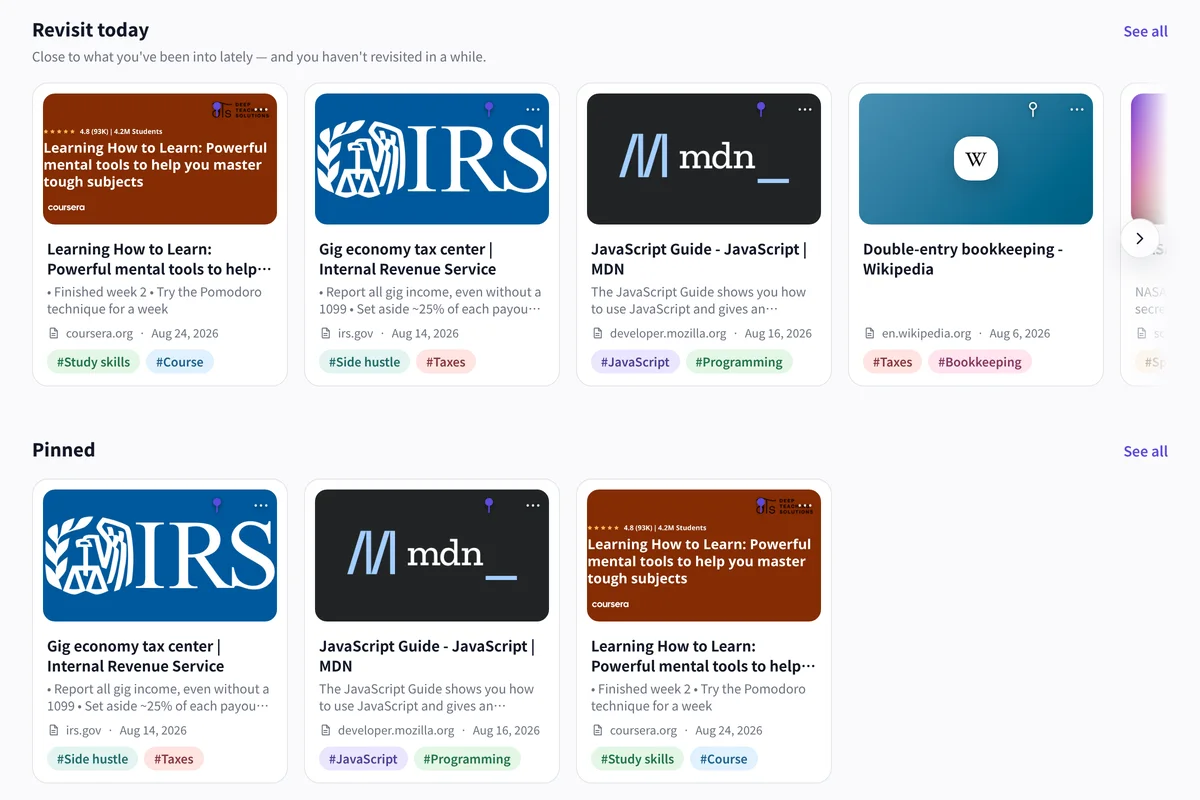
Never lose track of unread
Links that sit unopened resurface on Home, so nothing you saved quietly disappears.
Find what you wanted to read
Search titles, tags, notes, and descriptions at once—get back to “I wanted to reread that” in seconds.
See what you keep opening
Rankings surface the links you return to most, so the reading that matters rises to the top.
- Same data on the iOS app and the web
- Free plan: up to 50 links, no time limit
- Title and thumbnail fetched automatically
FAQ
Is the read-later app free?
Yes. The Free plan lets you save and organize up to 50 links. Lite (1,000 saves) and Pro are available when you need more.
Can I read saved articles offline?
LaterList saves and organizes links (URLs) so you can get back to them; it doesn’t store full article text for offline reading. You can open the original page from your saved link anytime.
Can I save videos and social posts too?
Yes—articles, videos (e.g. YouTube), and social posts (e.g. X) all save as links and can be filtered by type.
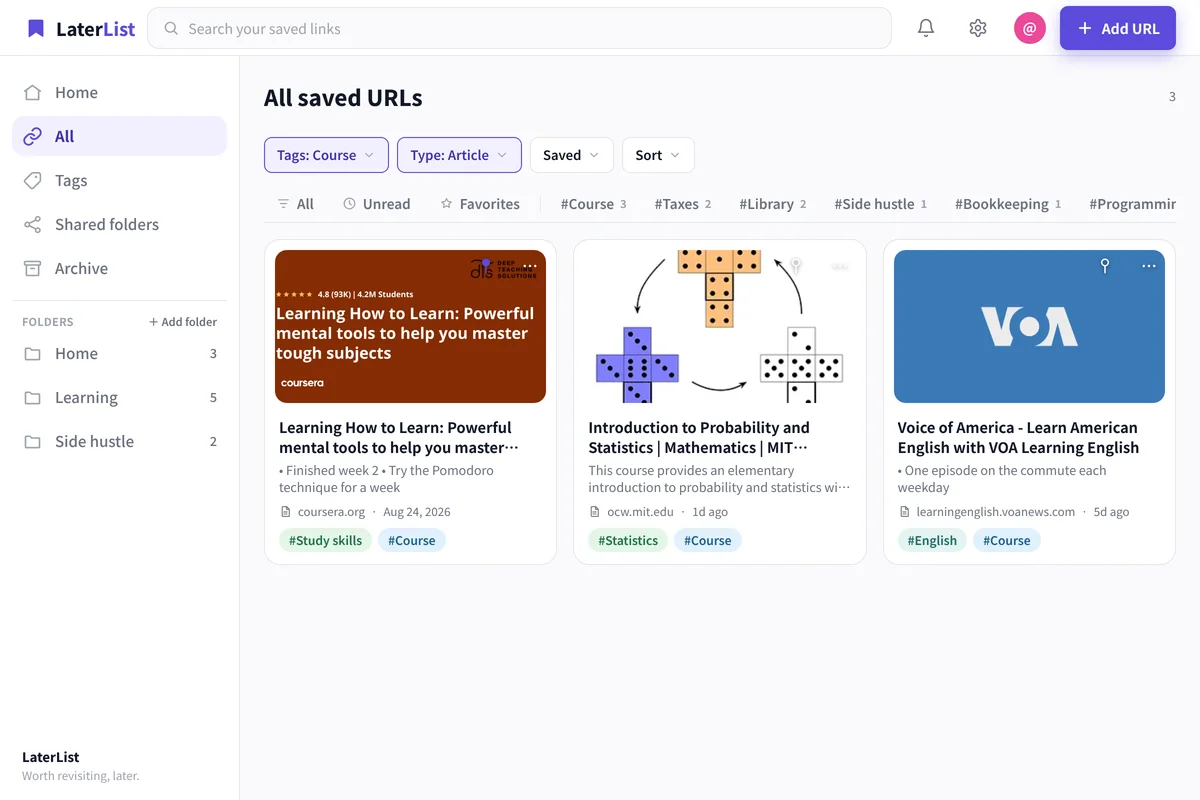
Can I track read vs. unread?
LaterList records when you open a link, lets you filter to unread, and nudges links you haven’t revisited in a while.
Get back to the articles you’ve been saving.
Start free—up to 50 saves.