Save the links you find, all in one place
Save any URL you come across—from the iOS share sheet or a quick paste. Titles, thumbnails, and descriptions are fetched automatically into a clean list, and everything stays on the same list across iPhone and the web.


One tap from anywhere
Save from the iOS share sheet or by pasting a URL—straight from your browser, a social app, or a video app.
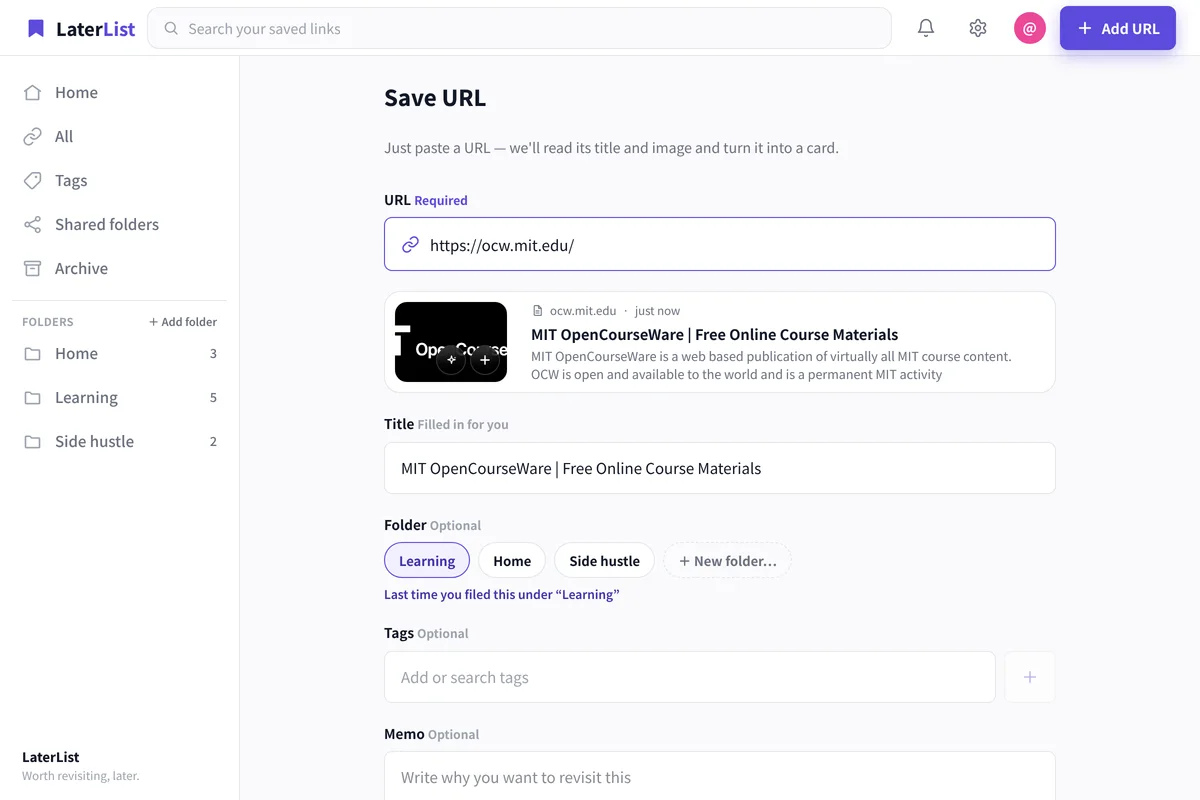
Links become cards automatically
Titles, thumbnails, and descriptions are fetched for you, so your list isn’t just bare URLs you can’t place later.
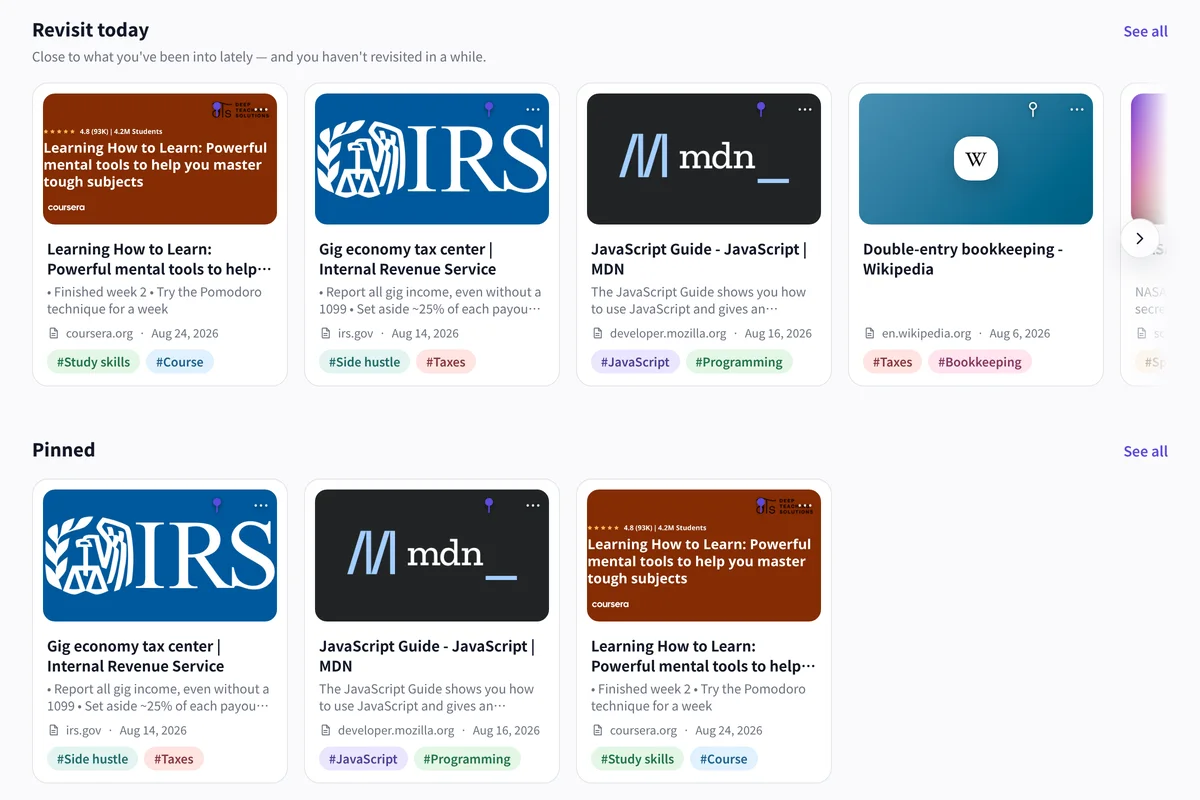
Organize what you save
Sort into folders, classify with tags, and add notes—so links become usable, not just a pile.
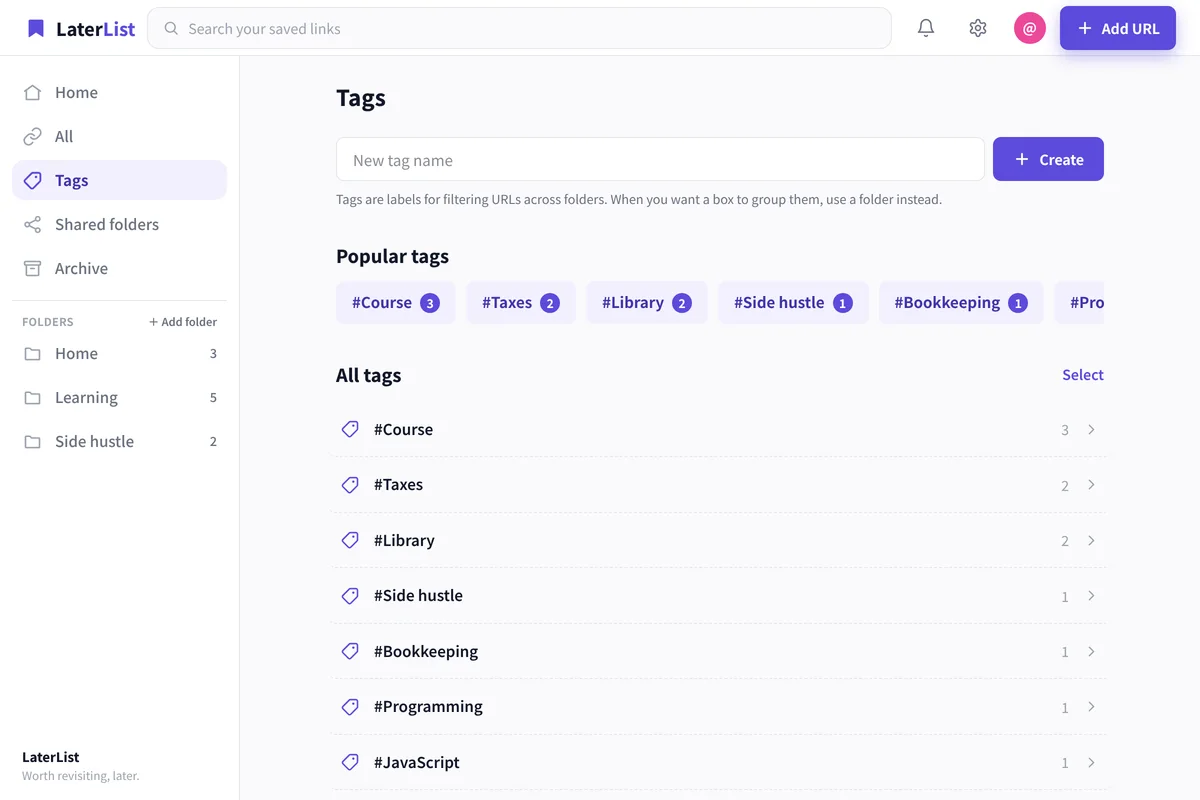
Find them again later
Cross-search titles, tags, notes, and descriptions to reach the one link you need, even among hundreds.
- Same data on the iOS app and the web
- Free plan: up to 50 links, no time limit
- Title and thumbnail fetched automatically
FAQ
Is saving links free?
Yes. The Free plan lets you save up to 50 links. Lite (1,000 saves) and Pro are available when you need more.
Can I save from my phone’s share button?
On iOS, save in one tap from the share sheet. On the web, paste a URL to save it.
Do saved links sync between my computer and phone?
Yes—use the same account on the iPhone app and the web (laterlist.space) and you get the same list on both.
What kinds of links can I save?
Any URL—articles, videos, social posts, maps, and more—and you can filter by type.
Save links in a form you can actually find later.
Start free—up to 50 saves.