Three steps to turn saved AI information into something useful

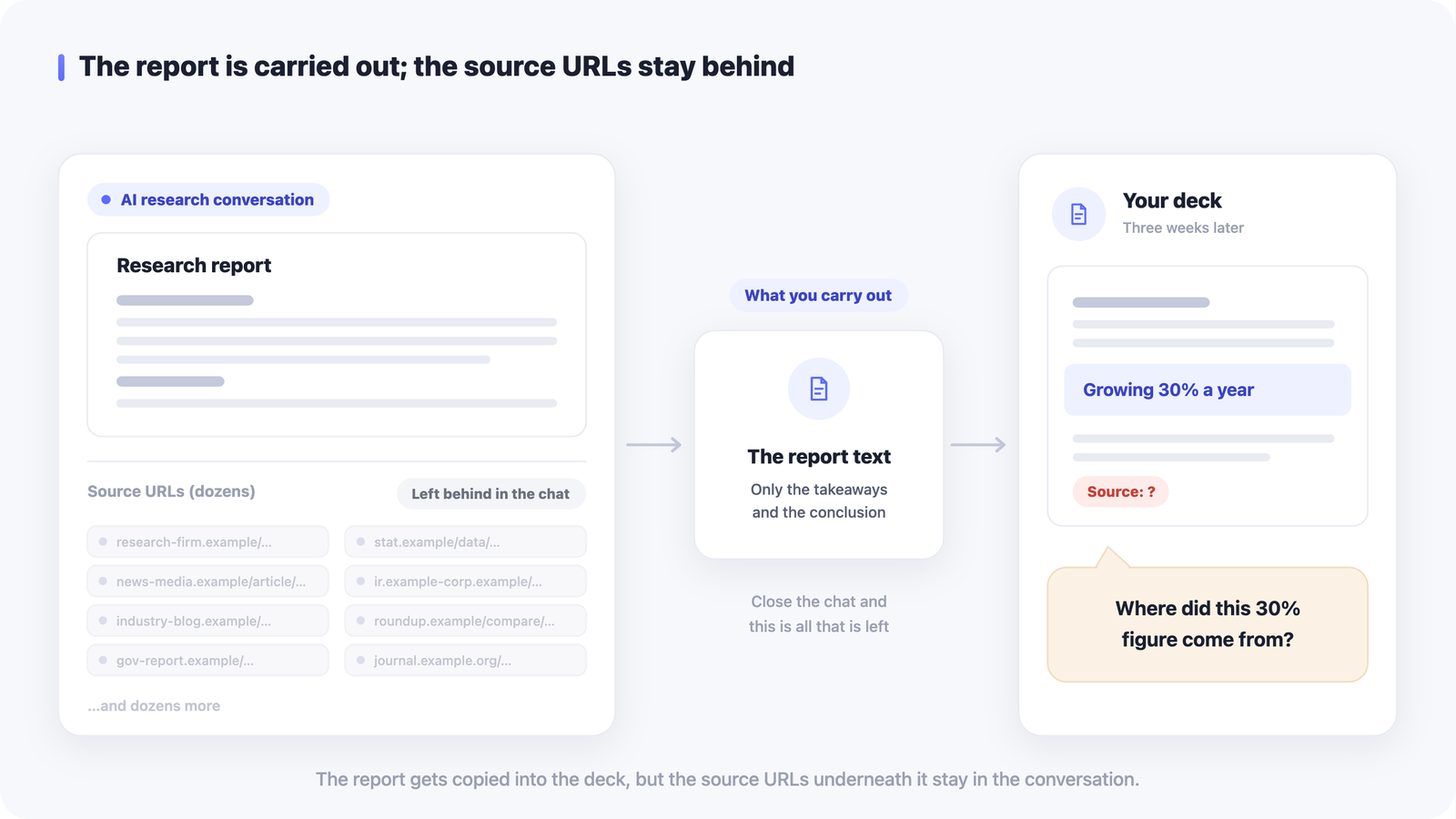
New AI tools and news arrive every single day. You save an interesting post or video to read later, and then it quietly disappears, never to be seen again. This article walks through three steps to keep the things you save from getting buried and turn them into something you can actually use.
AI-related information moves especially fast, and there is a lot of it. If saving something feels like the finish line, all that collecting turns into a pile of bookmarks you never revisit. The trick is to add a little intention at two moments: when you save, and when you review.
Step 1: Leave a one-line note about why you saved it
The easiest thing to forget is the reason you wanted to keep something. It feels obvious in the moment, but a few days later the title alone will not remind you. So the instant you save, jot down the purpose in a single line.
- Note where you would use it, e.g. could use this in a work presentation.
- Note how you will treat it, e.g. try later or just skim.
- No need for long text — one line is plenty.
That single line tells you at a glance why you saved something, which makes it far easier to act on it later.

Step 2: Organize without piling on tags and folders
If you get ambitious and create lots of fine-grained tags and folders, you end up with a new problem: not remembering where you put things. Keep your categories to the minimum you need to find things again.
- Stick to a few broad tags like AI, tools, or try later.
- Only make folders for themes you are actively working on, and merge them when they multiply.
- When in doubt, just save it and rely on search to find it.
Reaching what you need reliably matters more than filing it perfectly. A loose structure lets search do the work when you need it.

Step 3: Review regularly and turn it into a next action
Saved information only means something once you look back at it. Setting aside even a weekly moment to look at what I saved keeps things useful before they get buried.
- Spend five minutes on the weekend scrolling your saved list from the top.
- Delete what you no longer need to keep the list light.
- Decide a next step — try it, share it — before you close it.
Just having a review habit changes saving from piling things up into getting ready to use them.

Managing it with LaterList
LaterList is a tool for making these three steps easy to keep up. It is an app for saving URLs — articles, videos, social posts — in one place so you can find them again later.
- Save a URL and see it as a card with its title, thumbnail, and description.
- Organize loosely, your way, with tags, notes, and folders.
- Search across titles, tags, and notes to find a saved URL fast.
- Notice URLs you have not looked at in a while, so they are easy to rediscover.
Add a one-line note when you save, tag it roughly, then review with search and the list. The three steps in this article map directly onto how you use LaterList.

Wrapping up
AI information moves fast, and saving alone will not let you make the most of it. Note the purpose in one line, organize without overdoing it, and review regularly. Make these three steps a habit and the things you collect shift from an unread pile into an asset you can use later. Start with the very next thing you save today — just add a one-line note.